Multi step bundle builderMulti step bundle builder for Shopify
Guided bundles one step at a time
Too many choices at once and shoppers choose nothing. A guided bundle asks one question per step, a brew method first and then the beans, so customers reach the cart with a complete, correct set. A fuller basket lifts your Average Order Value.
- 4.9Shopify App Store
- 22%Avg AOV lift
 Install for free
At-home barista kit
Step 1
Choose your brew method
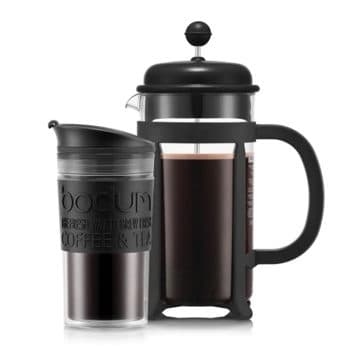
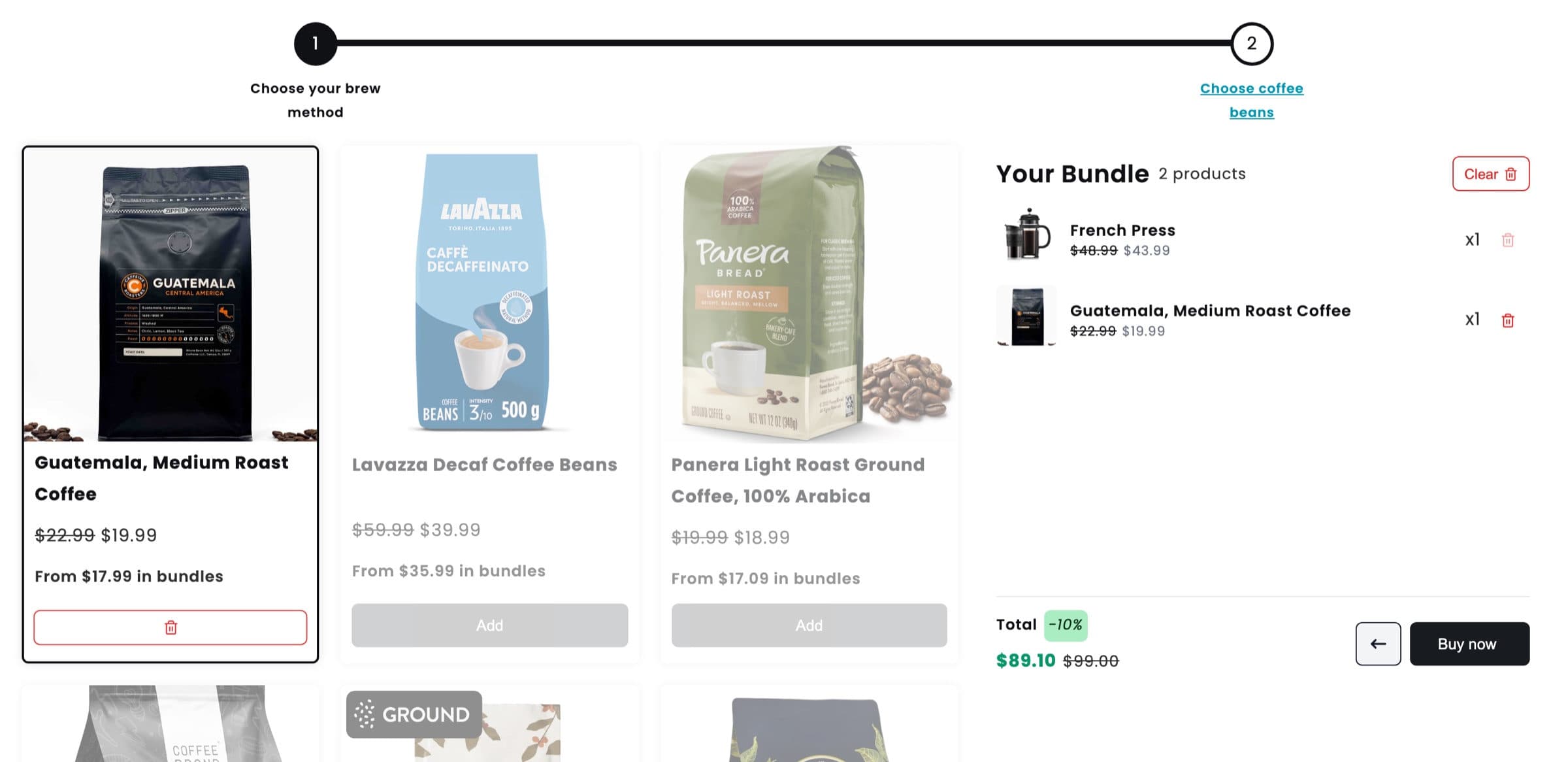
 French PressPicked
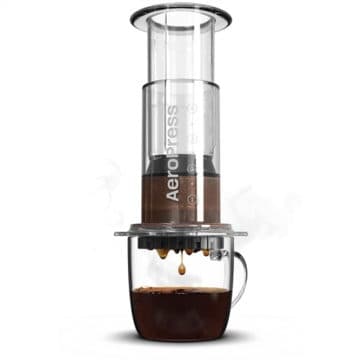
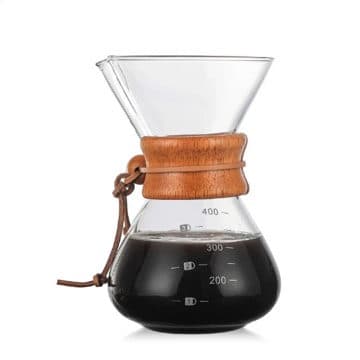
or AeroPress, Pour Over Dripper
Step 2
Choose coffee beans
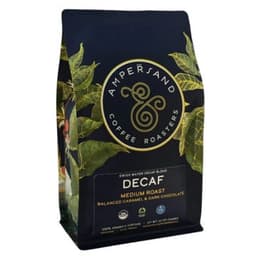
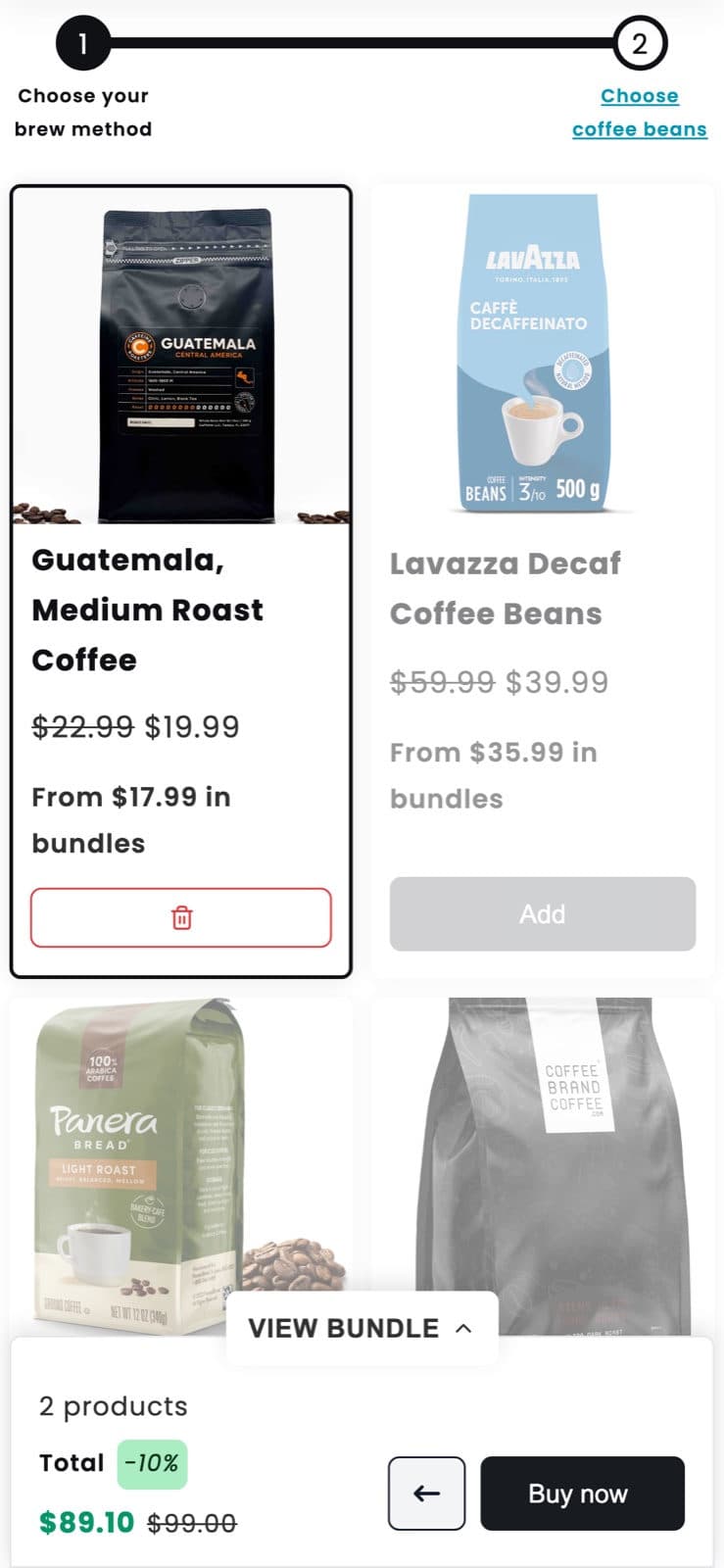
 Guatemala, Medium RoastPicked
or one of five more coffees
Your bundle, 2 products
$89.10$99.00-10%
From the live demo store: two steps, one pick each, 10% off the kit.
Guided selling
Nine products at once, or one question at a time
All at once
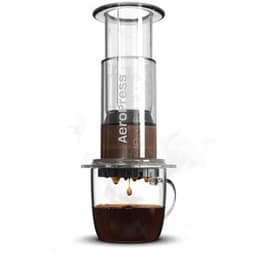
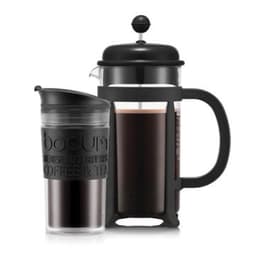
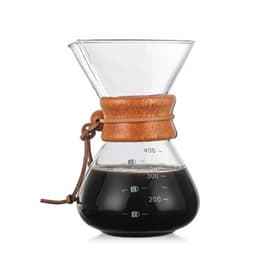
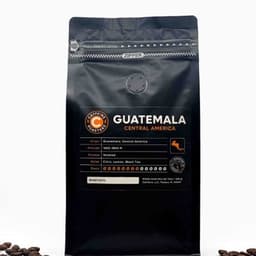
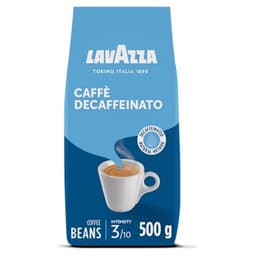
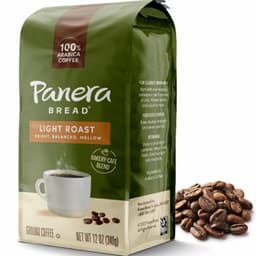
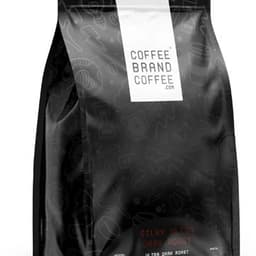
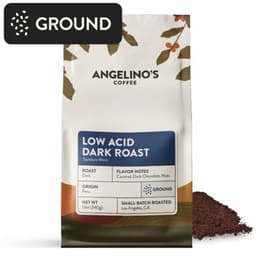
Guided
Choose your brew method
- 01
One decision per step
Each step asks for one thing, so nobody has to compare everything with everything.
- 02
A complete set, every time
Steps follow the order a routine or kit is put together, so nothing gets forgotten.
- 03
A bigger basket at the end
A shopper who came for a coffee maker leaves with the beans too, in one bundle.
Walk through it
One guided bundle, from the first question to checkout
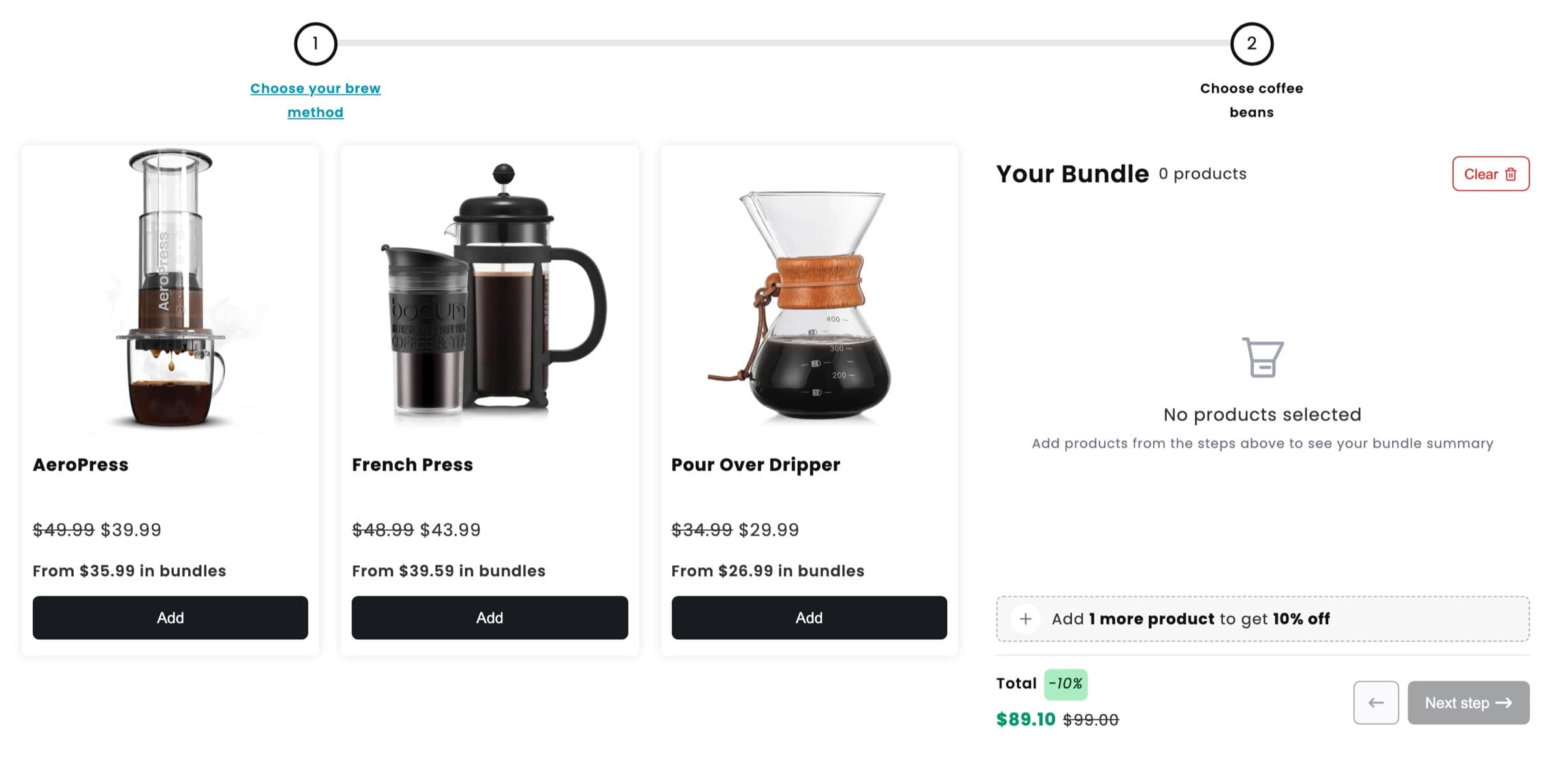
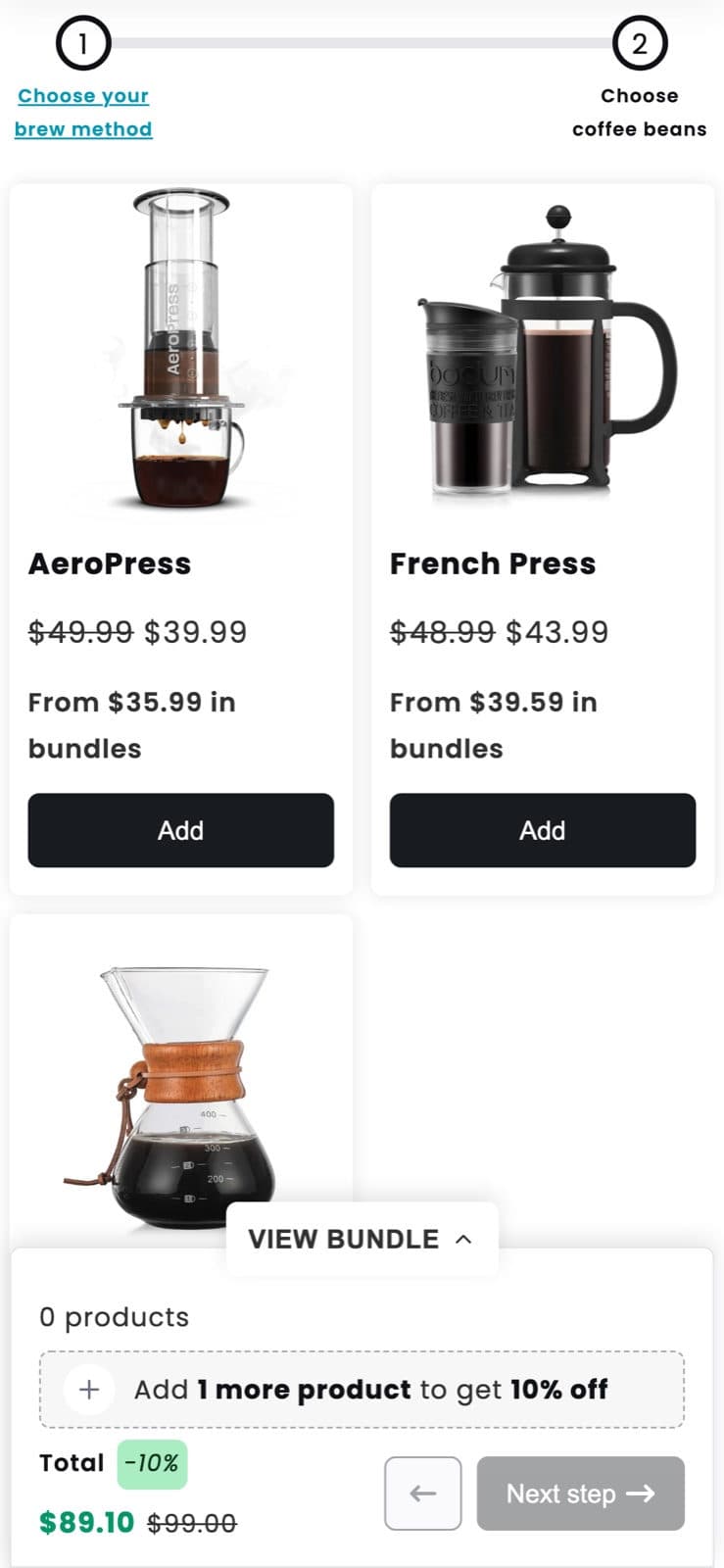
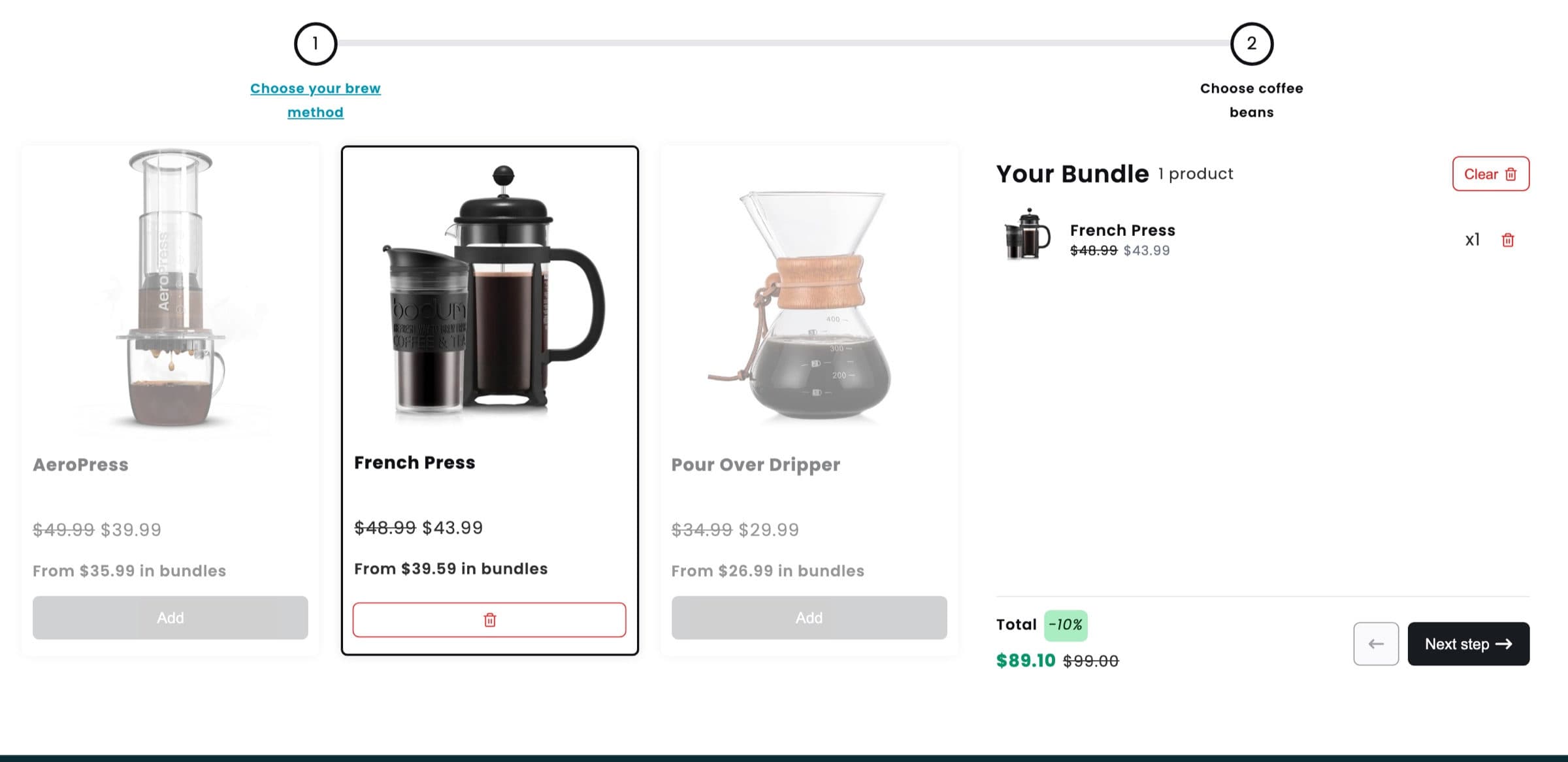
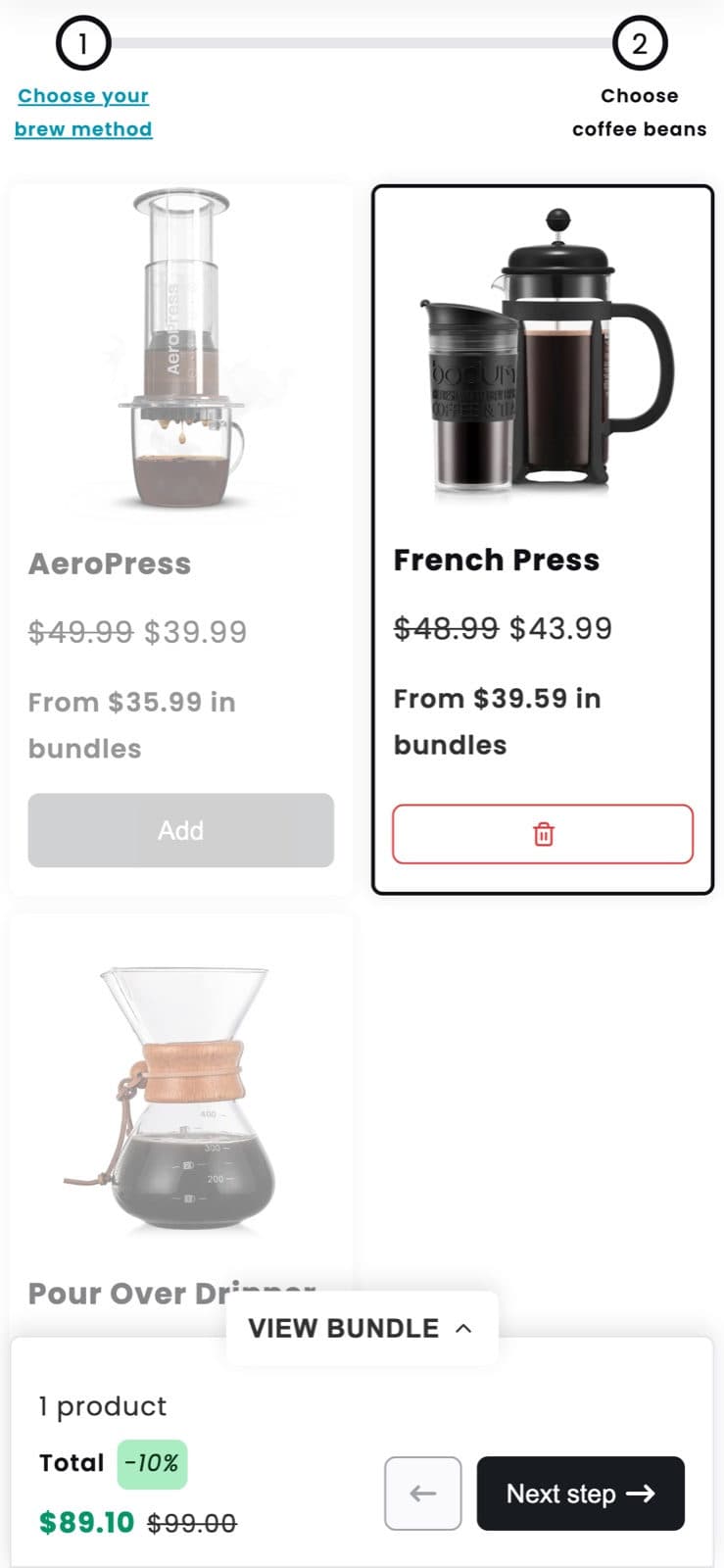
Per step rules
Every step has its own guardrails
Products
A collection or hand picked items
Quantity
A minimum and a maximum
Repeats
Limit picking the same item
Display
Hide prices or split variants
Stock
Sold out items cannot be picked
What to guide
Routines, kits, starter sets and product finders
Anything bought as a set, in a set order, works as a guided bundle. Here is how real stores use it.
NeatBundles demo store
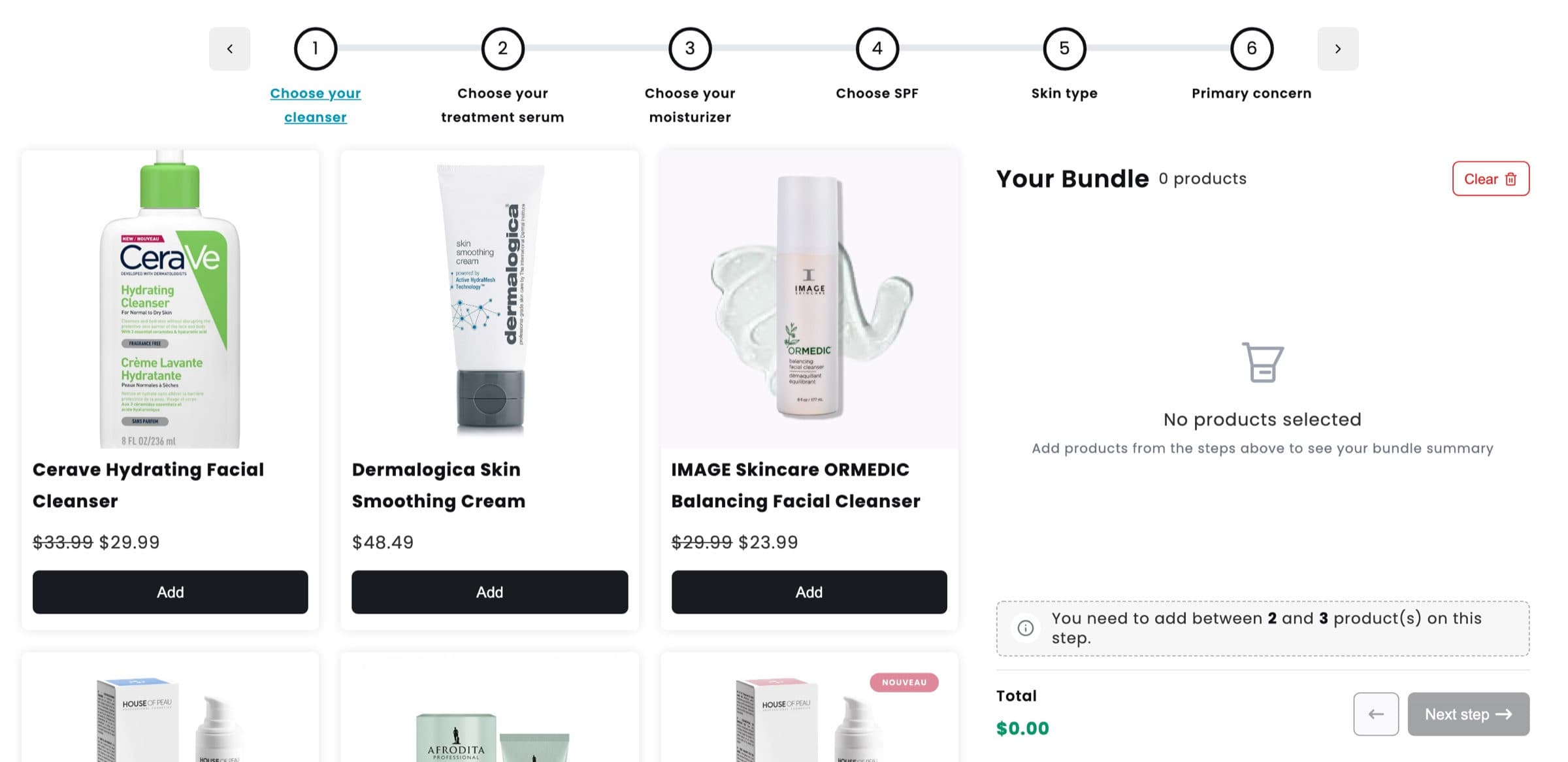
Skincare routine
- 1Cleanser
- 2Serum
- 3Moisturizer
- 4SPF
- 5Skin type
- 6Primary concern
- Cart
A long routine built in six steps. The step bar scrolls when there are more steps than fit.
Open live demo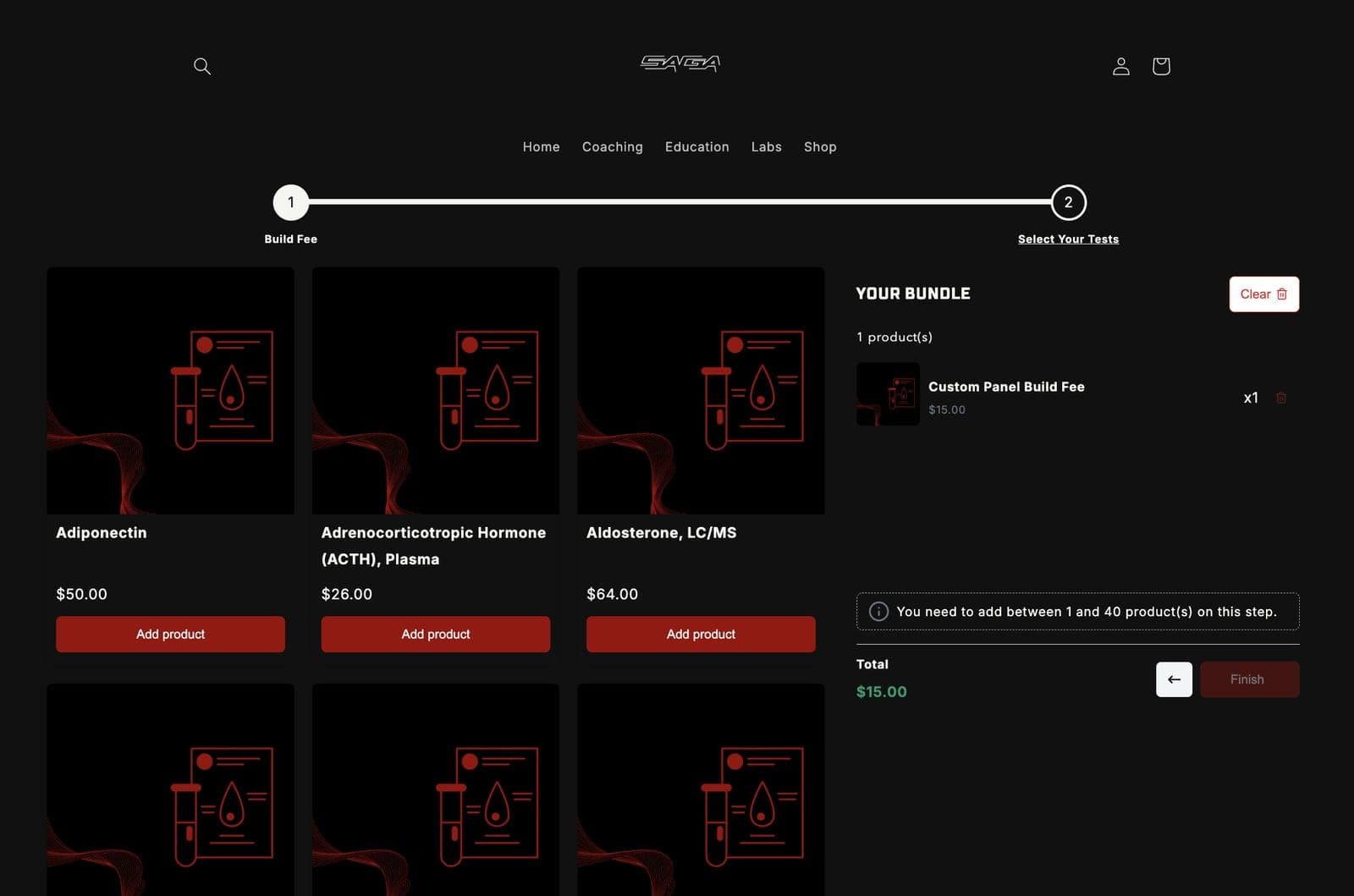
SAGA
Build your own lab panel
- 1Build fee
- 2Select your tests
- Cart
A build fee as the first step, then up to forty blood tests. A guided bundle does not have to sell physical products.
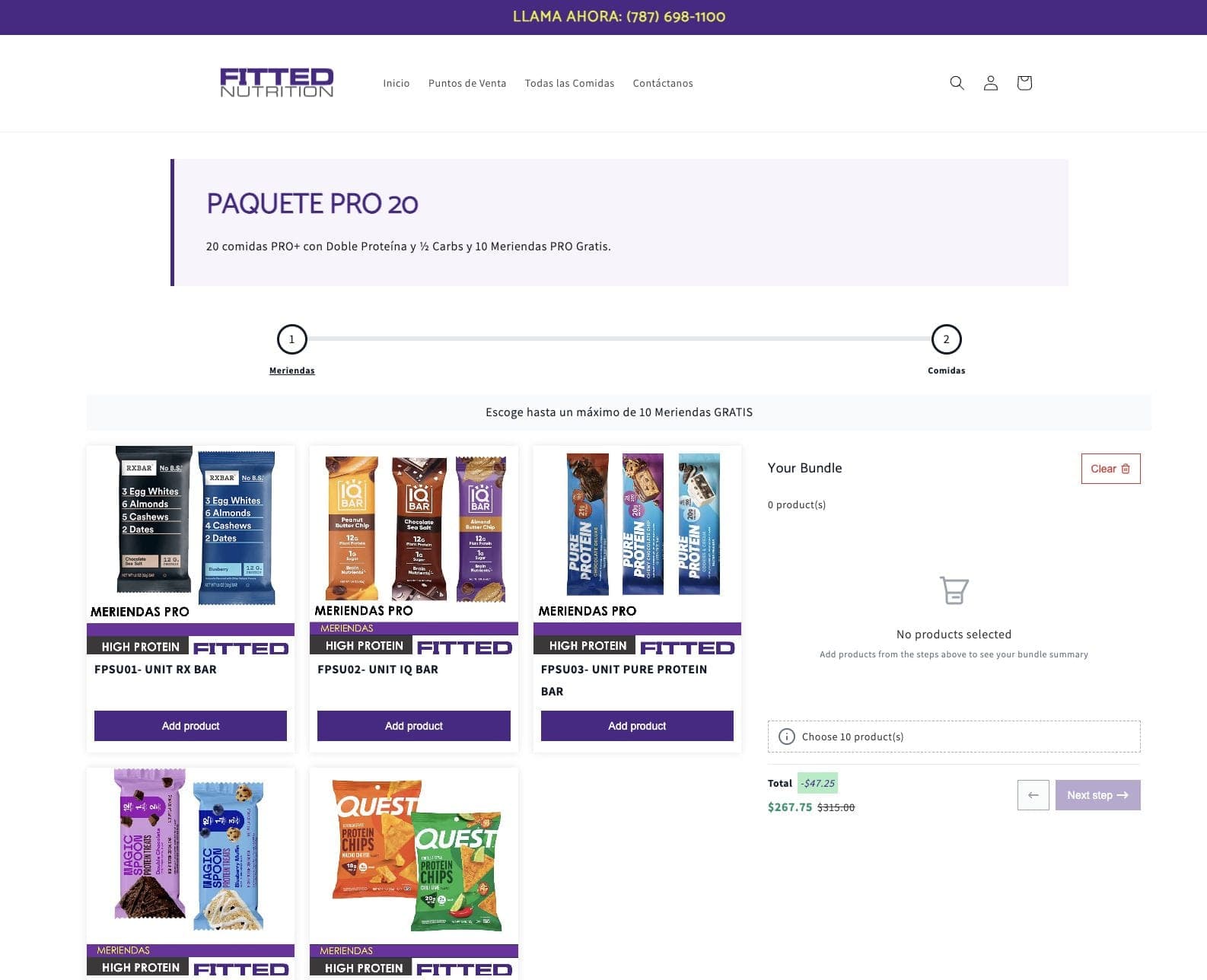
Fitted Nutrition
Weekly meal plan
- 1Free snacks
- 2Meals
- Cart
Up to ten free snacks first, then the meals, with the saving against the full price shown as the plan fills up.
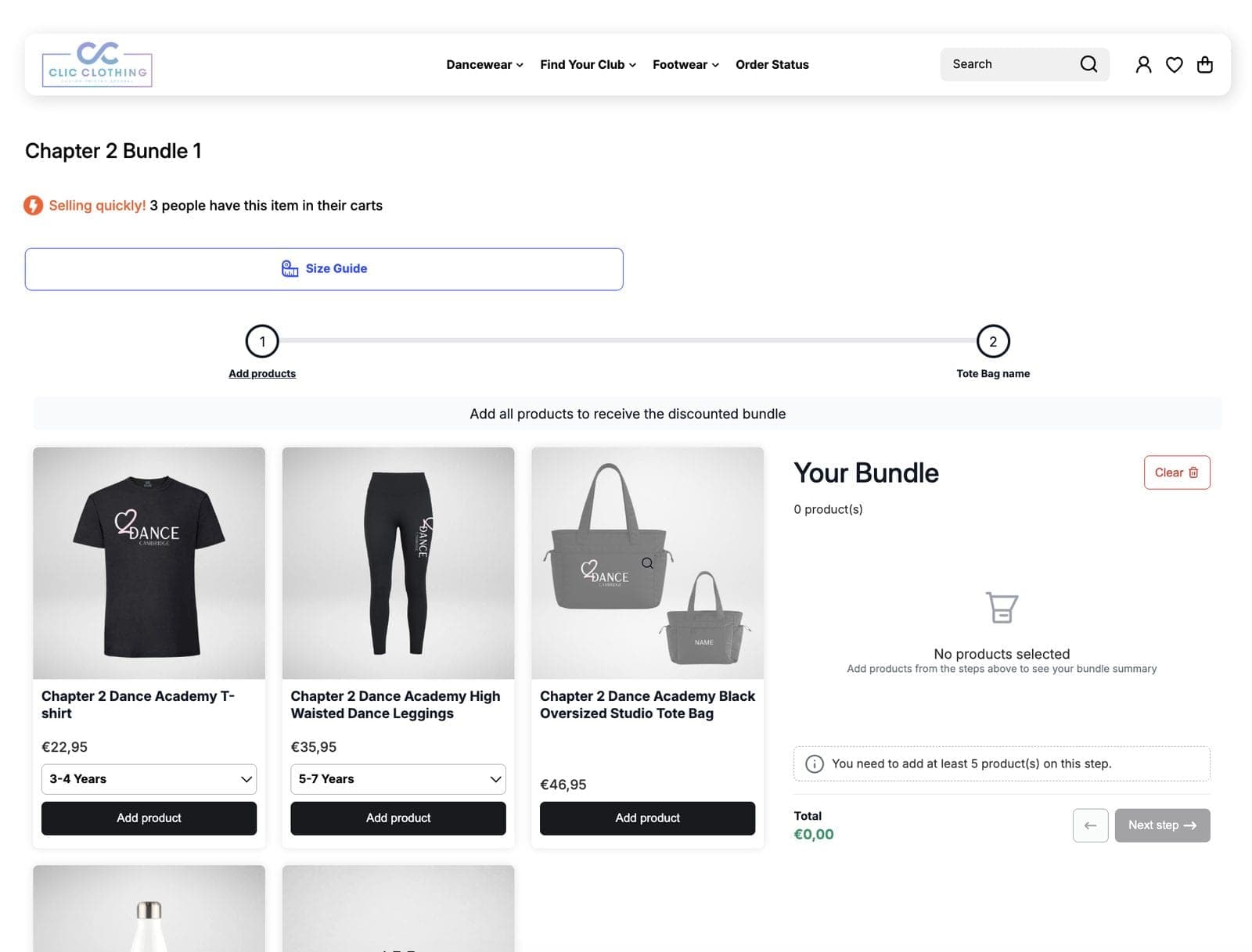
Clic Clothing
Dance academy kit
- 1Kit with sizes
- 2Tote bag name
- Cart
Every garment has its own size picker, and the last step asks for the name printed on the tote bag.
Visit store
Turn your best selling kit into a guided bundle
Free up to $500 of bundle sales a month. Every feature on every plan.
Setup
How to create a step by step bundle in Shopify
No code and no theme edits. You build the questions, NeatBundles builds the flow.
Read the full step by step guide, screen by screen from install to checkout.
- 1
Install NeatBundles
Install the app from the Shopify App Store and turn on the theme app extension with one click.
- 2
Create a Guided Bundle
Pick Guided Bundle as the bundle type and give it a title and an image.
- 3
Add one step per question
Name each step, like Choose your brew method, add its products and set the minimum and maximum.
- 4
Price it and publish
Choose a fixed or calculated price, add a bundle discount if you want one, and publish the bundle page.
Guide shoppers to a bigger order
Free up to $500 of bundle sales a month, then $19, $39 or $69 as your bundle sales grow. Every feature on every plan. One-click theme setup, no code.
Install for freeGuided bundle questions
What merchants ask before they build a step by step bundle.
What is a guided bundle?
A guided bundle is a bundle the shopper builds in steps, one question at a time. Each step has its own products and rules, and a step bar with back and next buttons leads the shopper from the first step to the cart.
How is it different from a build your own bundle?
Both let customers pick their own products. A build your own bundle is the simple mix and match, often a single step. A guided bundle is a step by step flow, so it suits routines, kits and starter sets where the order of the choices matters.
How many steps can a guided bundle have?
As many as the bundle needs. Our skincare demo uses six, and the step bar scrolls when there are more steps than fit on the screen.
Can I set a minimum and maximum per step?
Yes. Every step has its own minimum and maximum quantity, and you can limit picking the same product again. Shoppers cannot move to the next step until the minimum is met.
Can I ask for a name or a message at the end?
Yes. Add the optional personalization step, which always comes last, after the product steps. It can ask for text, long text, a number, a dropdown choice, a date, a date and time or an image upload.
How does the guided bundle reach the cart?
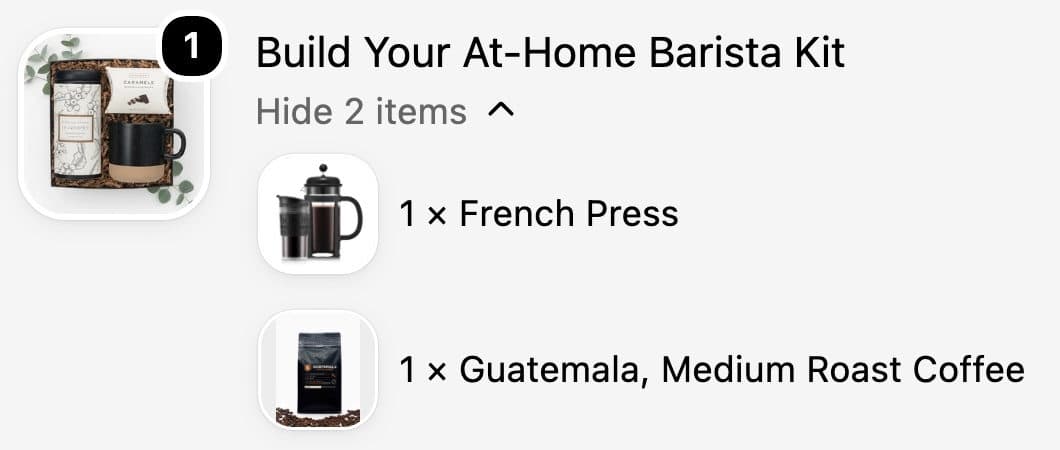
As one product, with every picked item listed under it and the bundle discount applied automatically. Inventory stays in sync, so sold out variants cannot be picked.
How much does NeatBundles cost?
NeatBundles is free up to $500 of bundle sales a month. After that it is $19, $39 or $69 a month depending on your bundle sales, with every feature included on every plan.