Gift box app for Shopify
Gift box builder for Shopify,
filled and signed by your shoppers
Shoppers pick the box, fill it and add a gift message. It checks out as one product, so a single gift becomes a bigger order.
- 4.9Shopify App Store
- 22%Avg AOV lift
 Install for free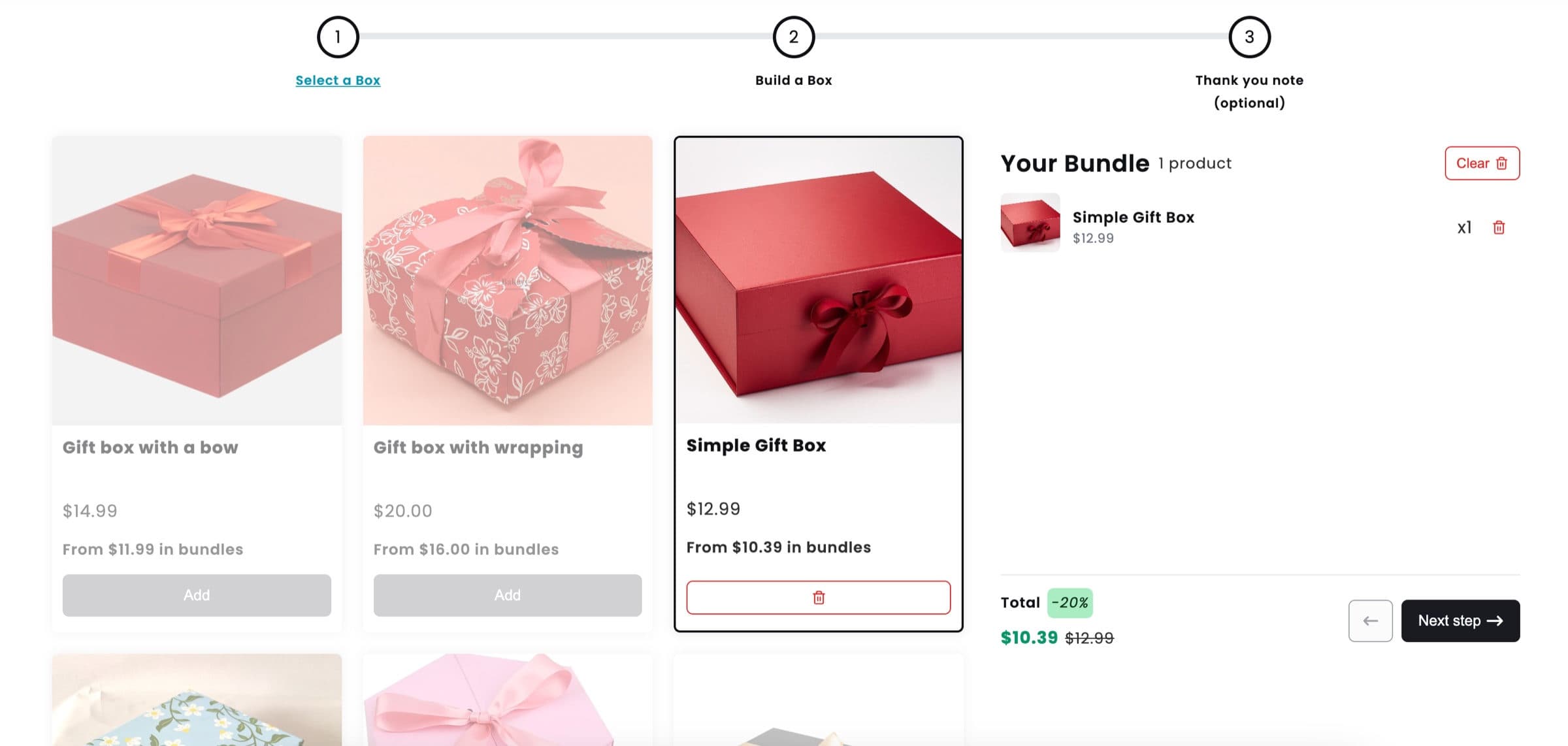
Your shopper makes it personal. You keep the rules.
The shopper chooses
- 1
The box
One box from your range.
- 2
What goes in it
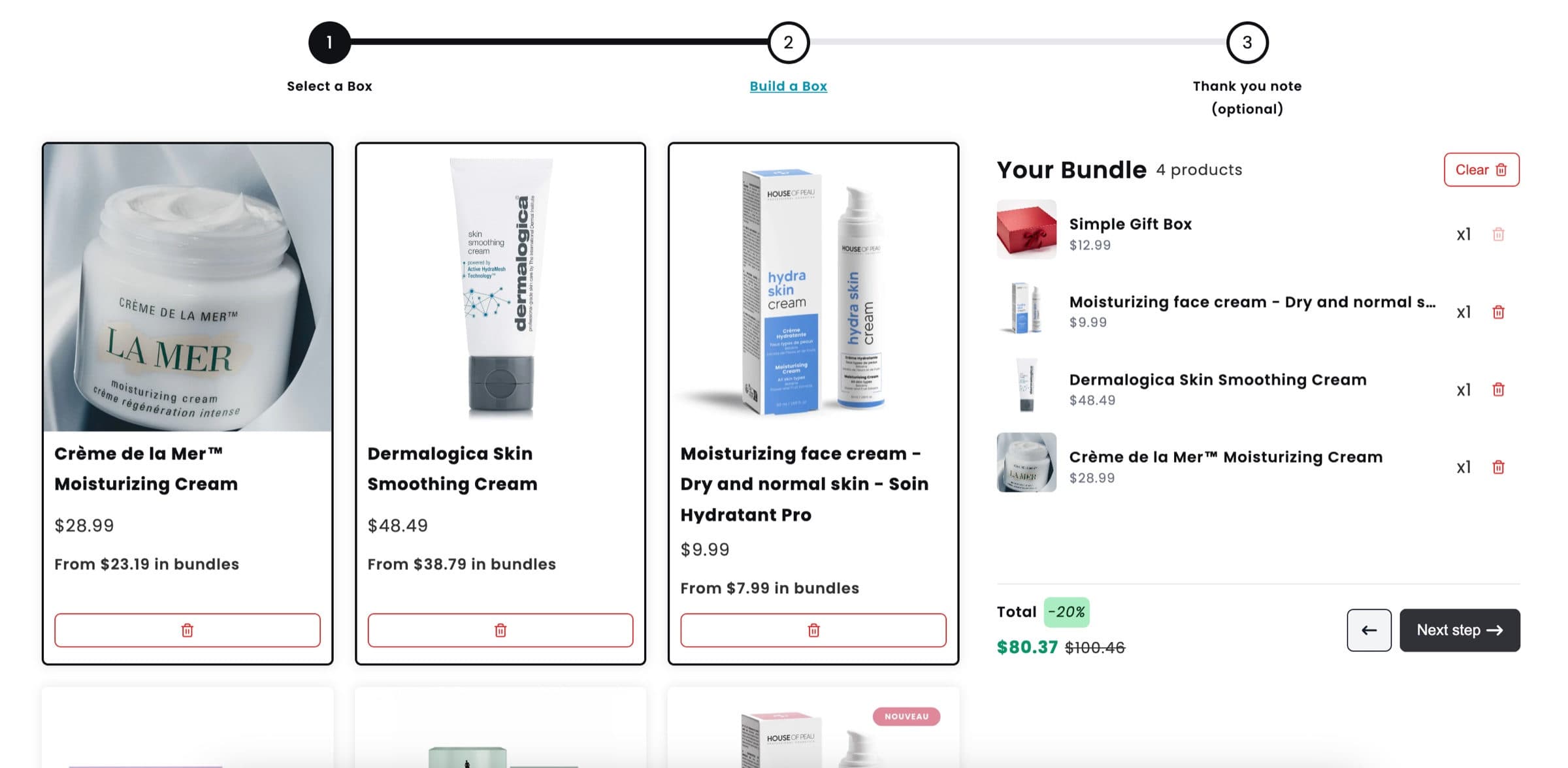
Products from the steps you set up.
- 3
Who it is from and for
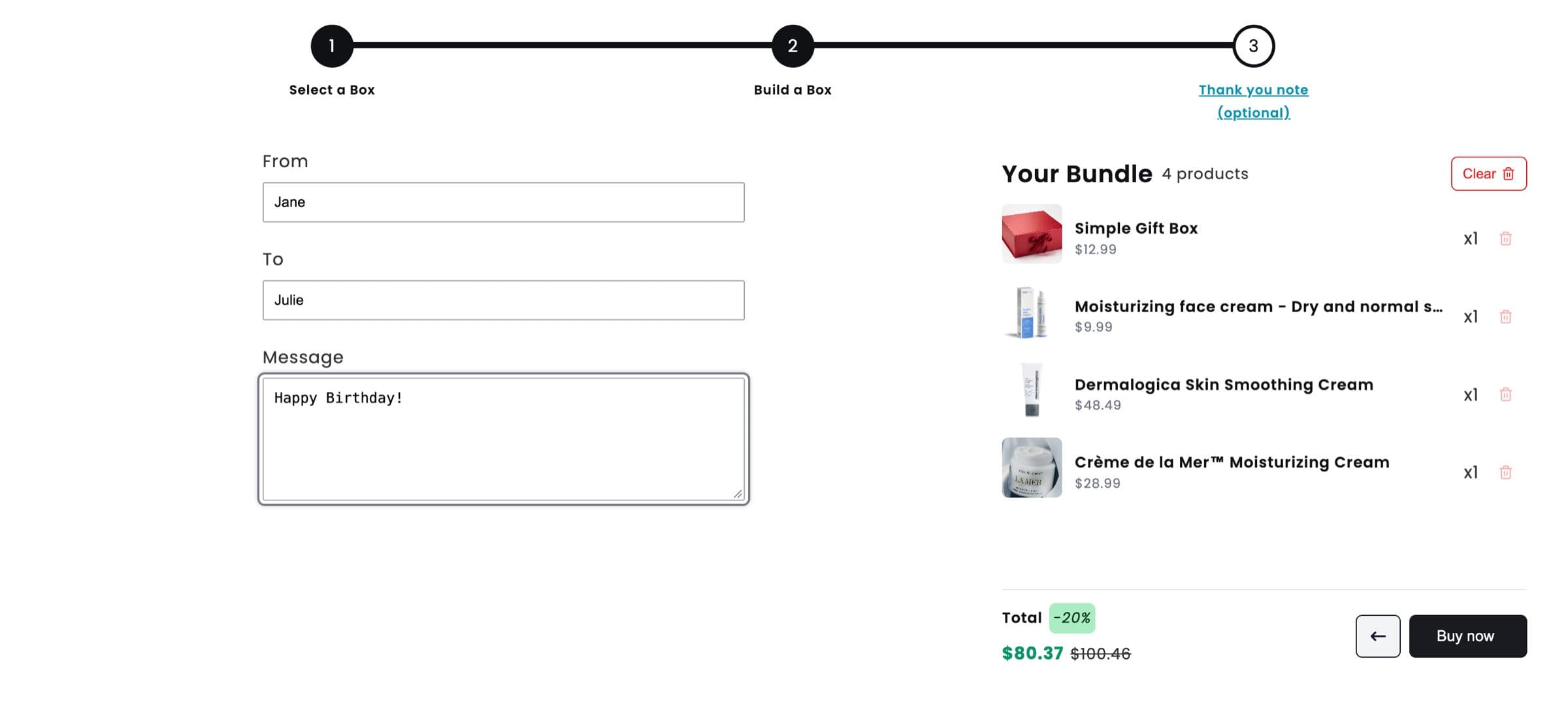
From, To and a message.
You decide
- Which boxes and products
- How many items per step
- Which gift fields are required
- Price, discount and free gifts
- Colors, fonts and texts
Not a gift? See build a box.
The offer
Price it like a gift, not a basket
One fixed price for the box
Same price whatever goes inside, or the sum of the picks.
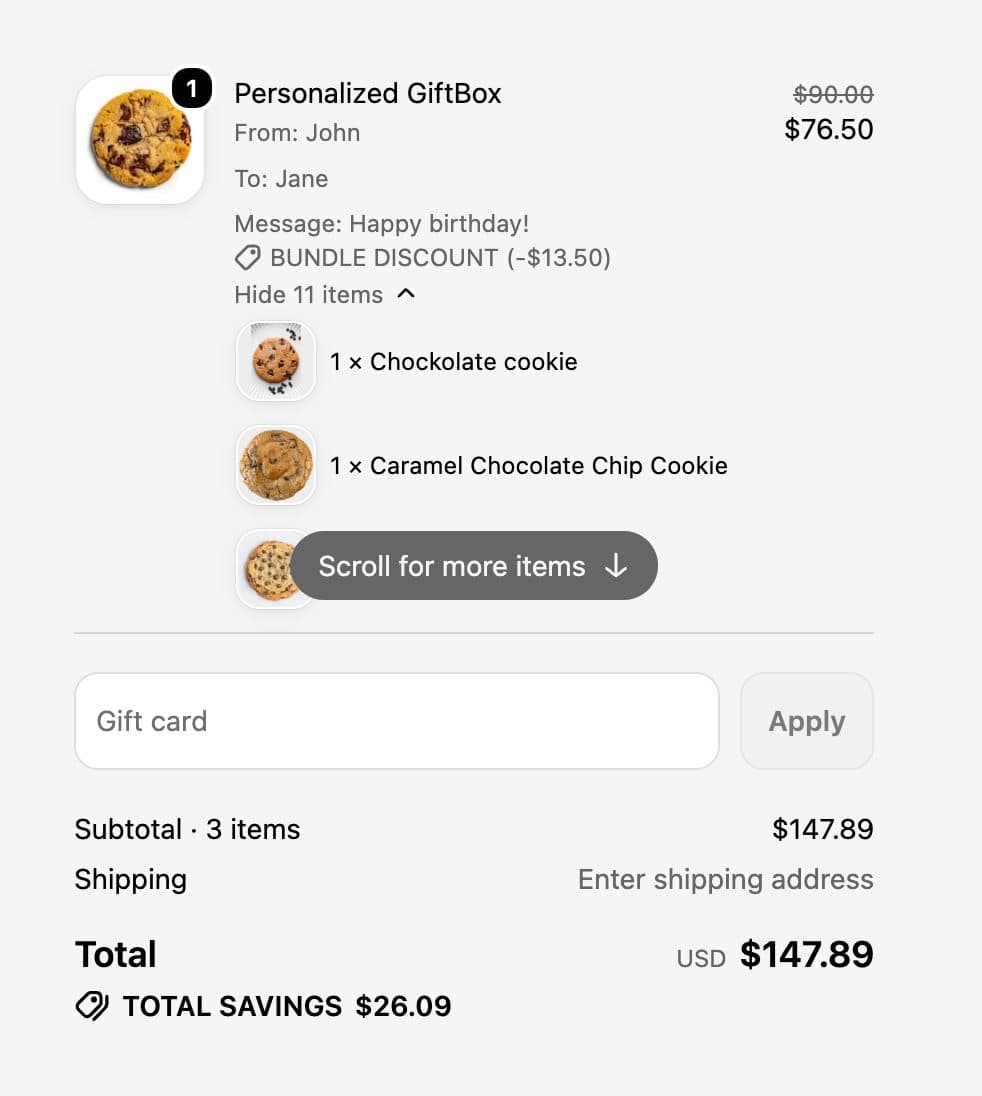
A bundle discount in the cart
Money or percentage off, applied in the cart. No code.
Free gifts with every box
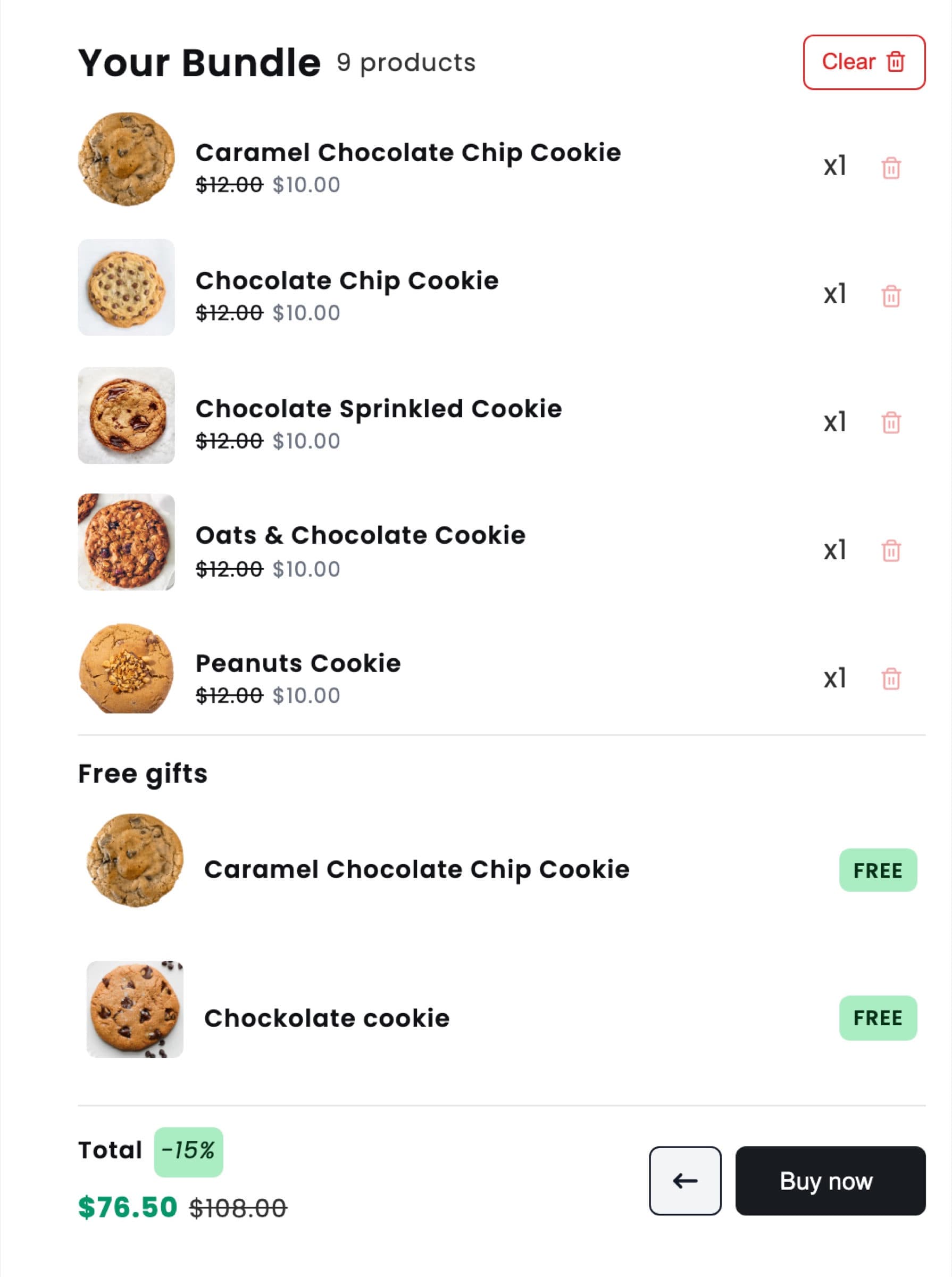
Added with the box, all of them or the shopper's pick.
From cart to packing table
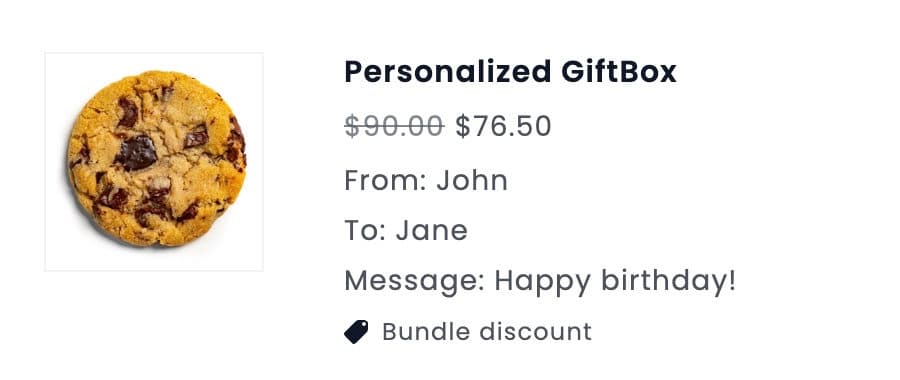
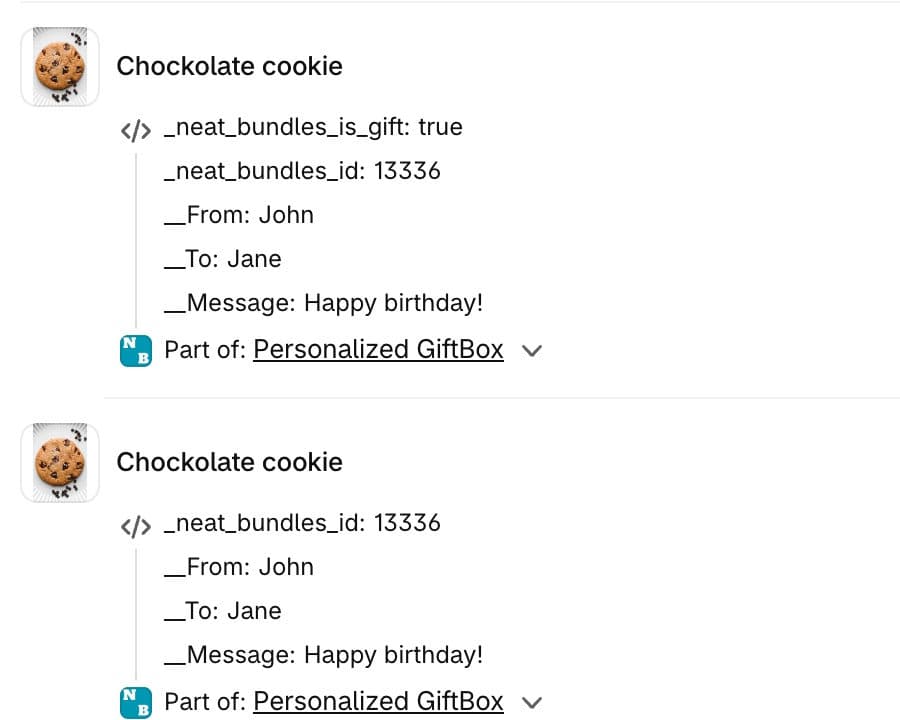
The gift details travel with the order
More fields? See personalized bundles.
See it live
Open a gift box builder and try it
Live demo
Build your own gift box
A box filled from the skincare shelf.
Open the demo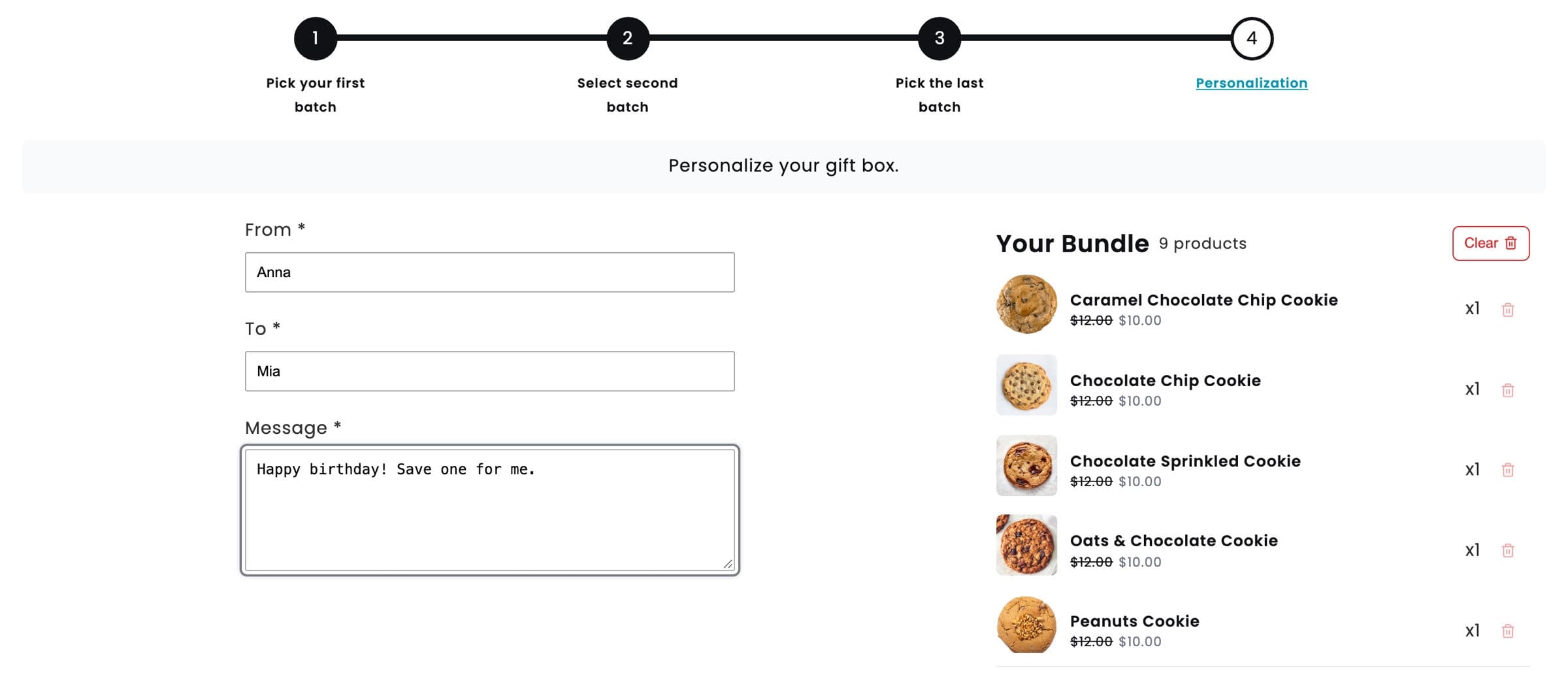
Live demo
Personalized cookie gift box
Cookies, free gifts and a message.
Open the demo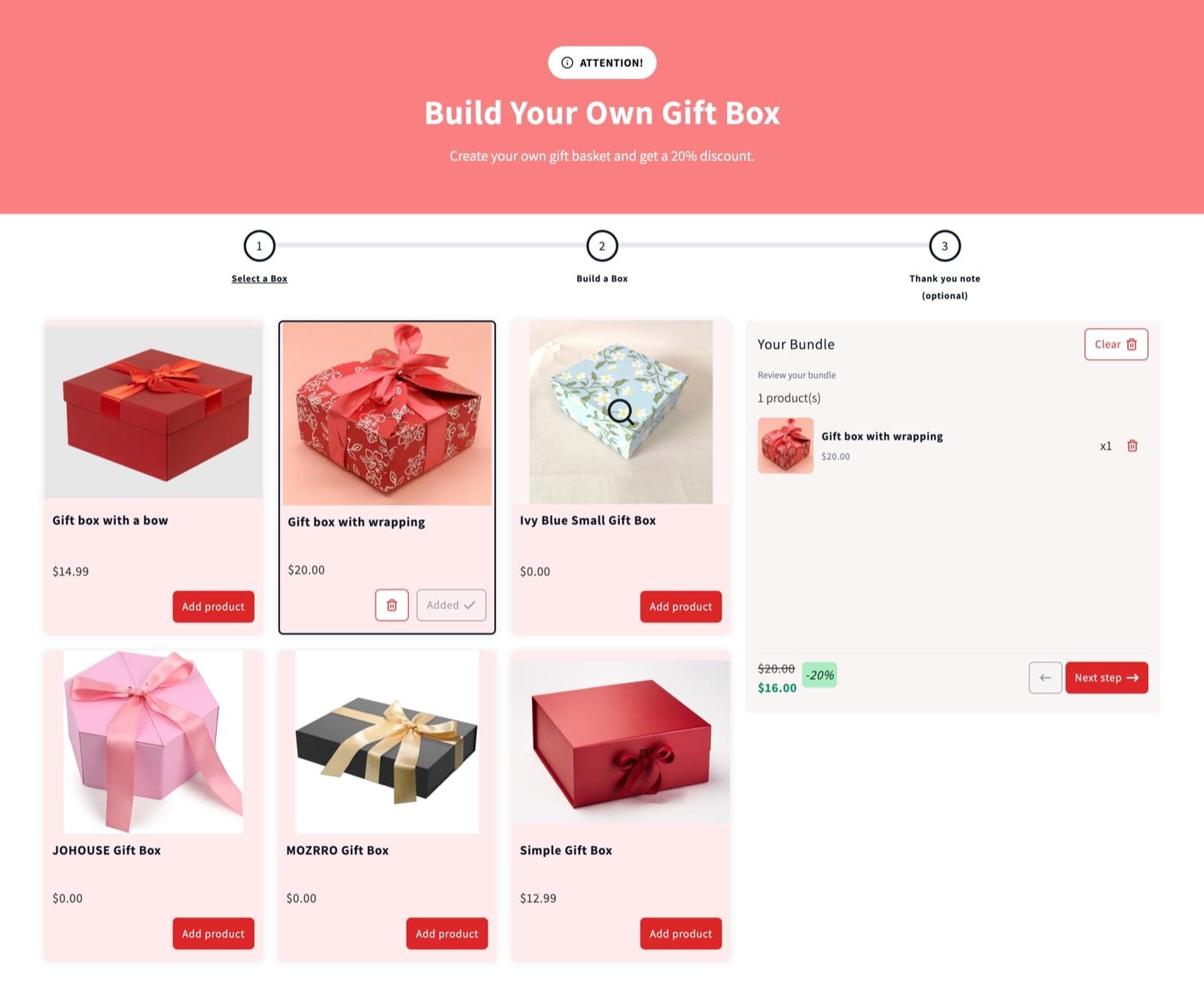
Styled to the store
Gift box builder with a branded header
Restyled to the store's own colors.
How to set up a gift box builder on Shopify
- 1
Install NeatBundles
One click theme setup.
- 2
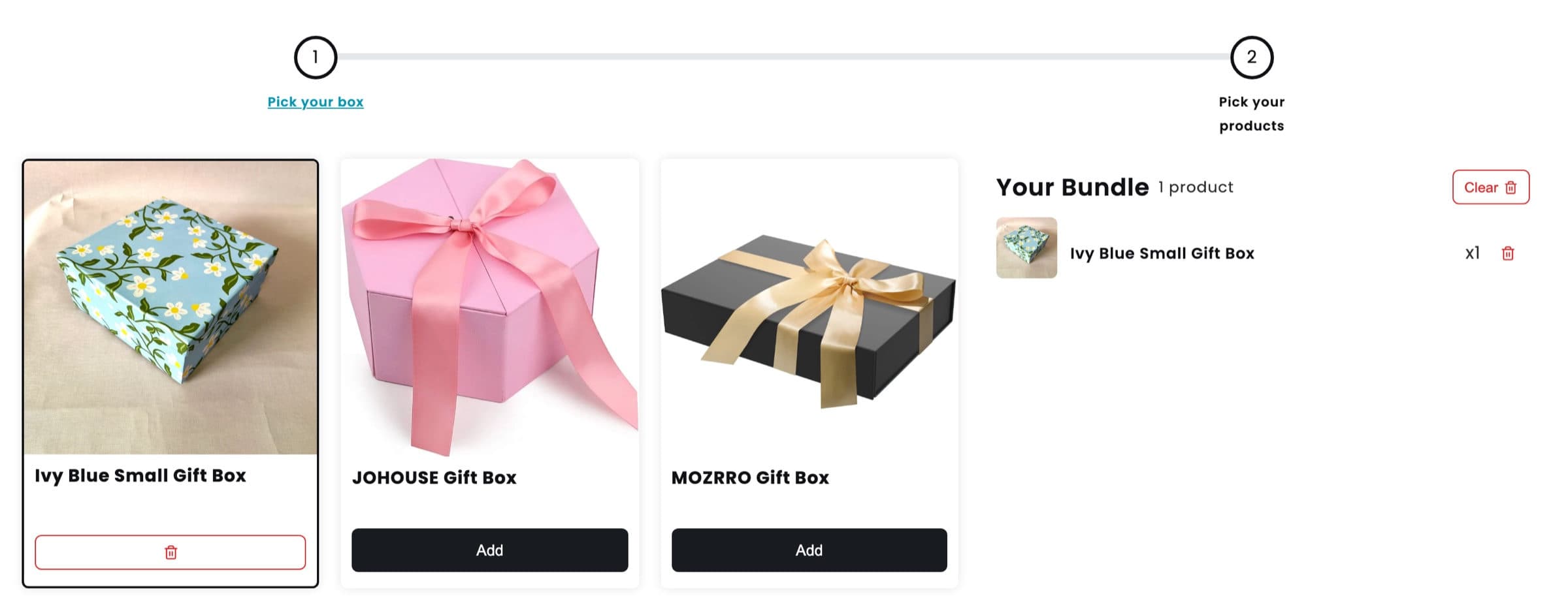
Add the box step
The first step lists your boxes.
- 3
Add what goes inside
Product steps with their own rules.
- 4
Ask for the gift details
From, To and Message in the last step.
- 5
Set the price and publish
Price, discount, gifts, then publish.
Ready for your next gifting season?
Free to install. One-click theme setup, no code.
Free up to $500 of bundle sales a month, then $19, $39 or $69. Every feature on every plan.
Gift box builder questions
What merchants ask before they sell gift boxes on Shopify.
What is a gift box builder for Shopify?
It is a product page where shoppers put together their own gift box: they choose the box, pick what goes in it and add the gift details. NeatBundles then adds the whole box to the cart as one product, so it checks out like any other item in your store.
Can shoppers choose the box itself?
Yes. Make the first step of the bundle a product step that lists your boxes and set its minimum and maximum to one. The box then shows in the bundle summary with everything the shopper adds after it.
How does the gift message reach my order?
Add a personalization step, which is always the last step of the bundle, with fields such as From, To and Message. The answers show under the box in the cart and at checkout, and on every product of the box in the Shopify order.
Can I sell the gift box at one fixed price?
Yes. Set a fixed price for the whole bundle and it costs the same whatever goes inside. You can also calculate the price from the picked items and take a fixed amount or a percentage off the total.
Can I include a free gift with every box?
Yes. Add gift products that go to the cart with the box, either all of them automatically or a few the shopper selects, with a minimum and maximum you set.
Does it work for corporate gifts?
Yes. Bulk discounts with up to 5 tiers reward a buyer who orders several boxes at once, and they apply automatically in the cart with no discount code.
How much does the gift box app cost?
NeatBundles is free up to $500 of bundle sales a month, then $19, $39 or $69 a month depending on your bundle sales. Every feature is on every plan.